
WhatsApp Button Sender for Windows PC & Laptop
Send bulk WhatsApp messages with Call to Action buttons using WhatsApp Button Sender. Fast delivery, unsubscribe option, smart messaging, and easy campaign management for businesses.
Only ₹2999 / 1 year - Send Unlimited Messages - No Per Msg Cost - No Hidden Charges
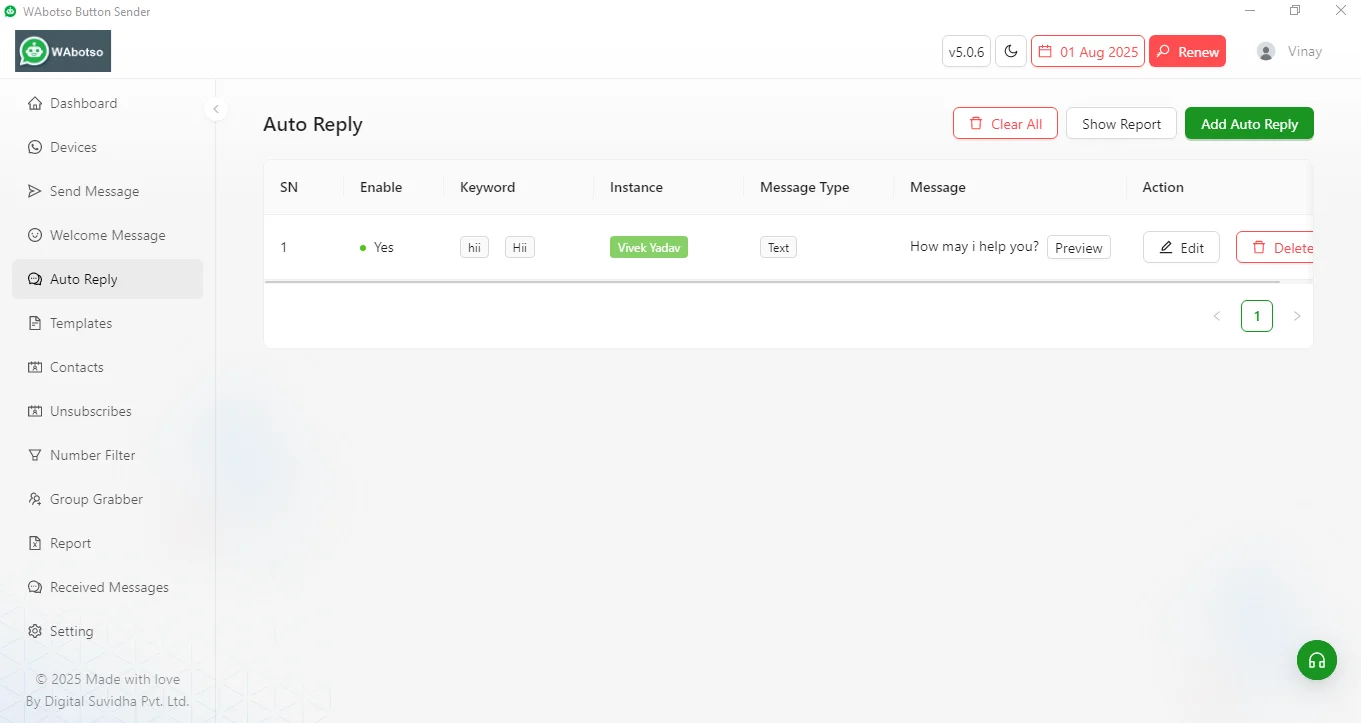
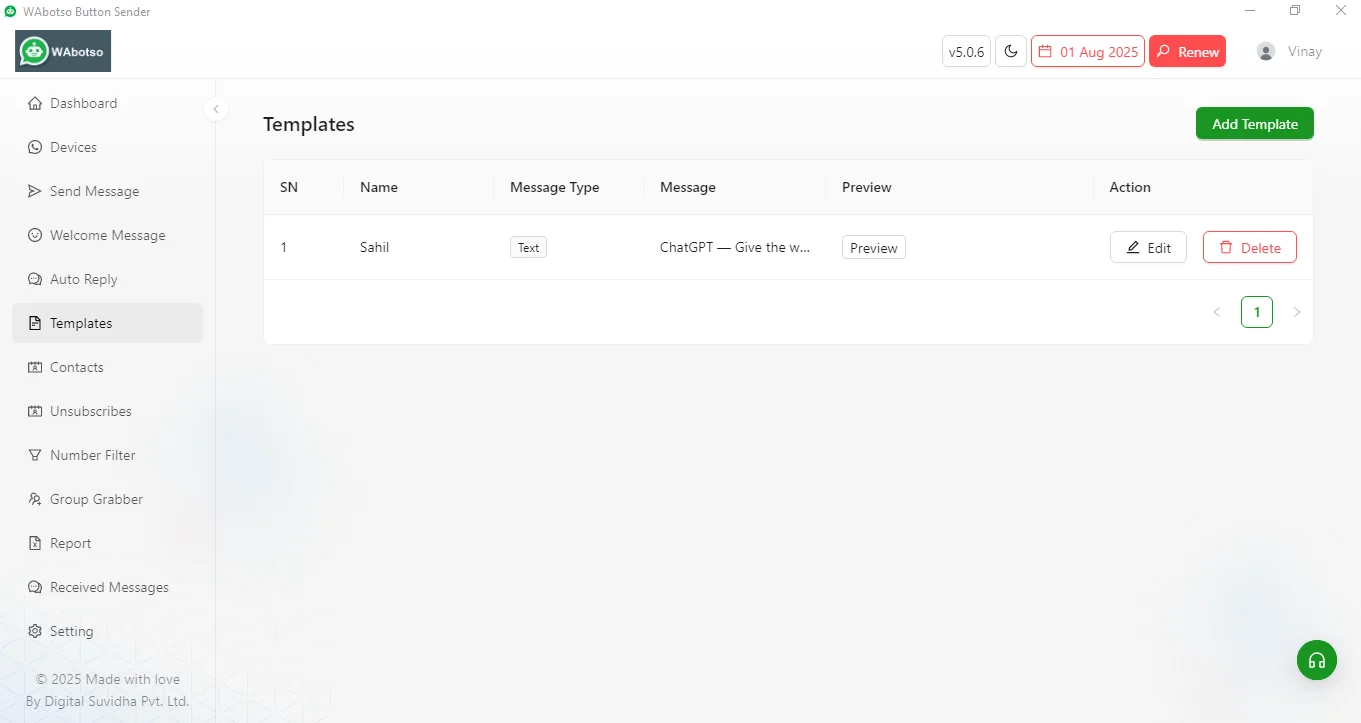
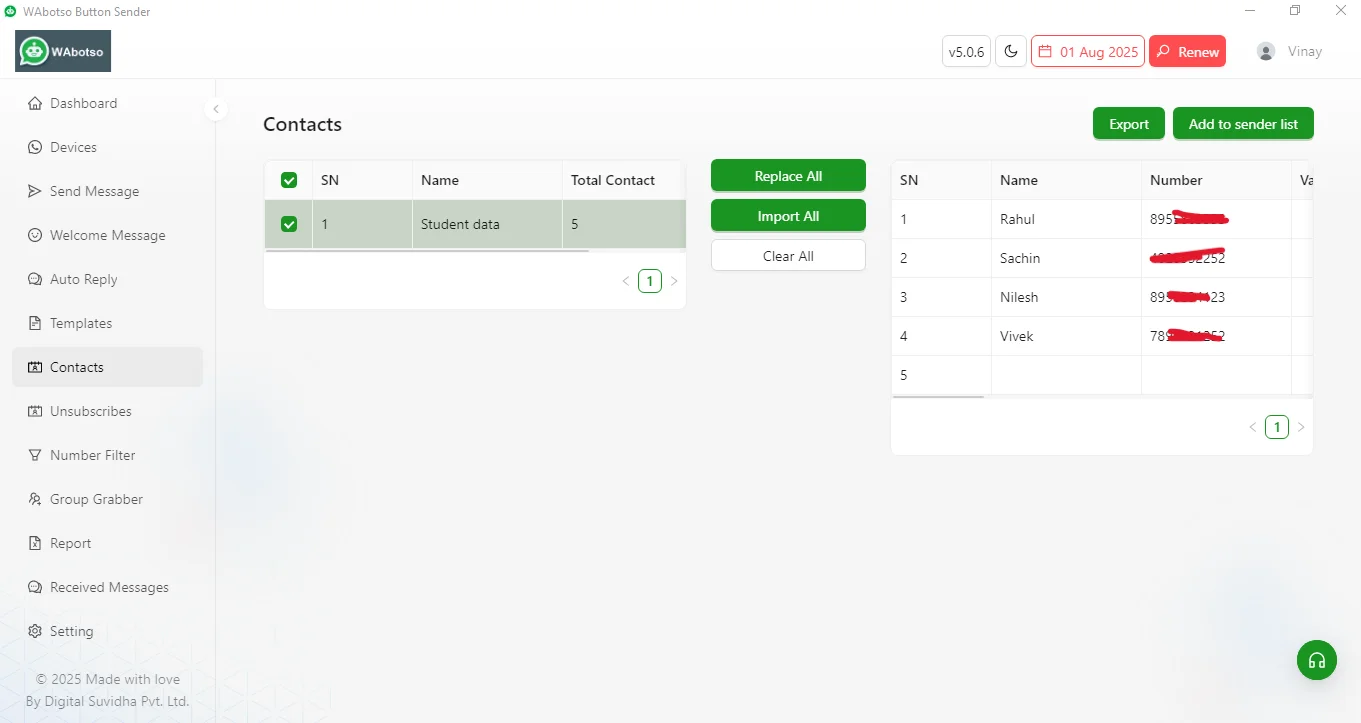
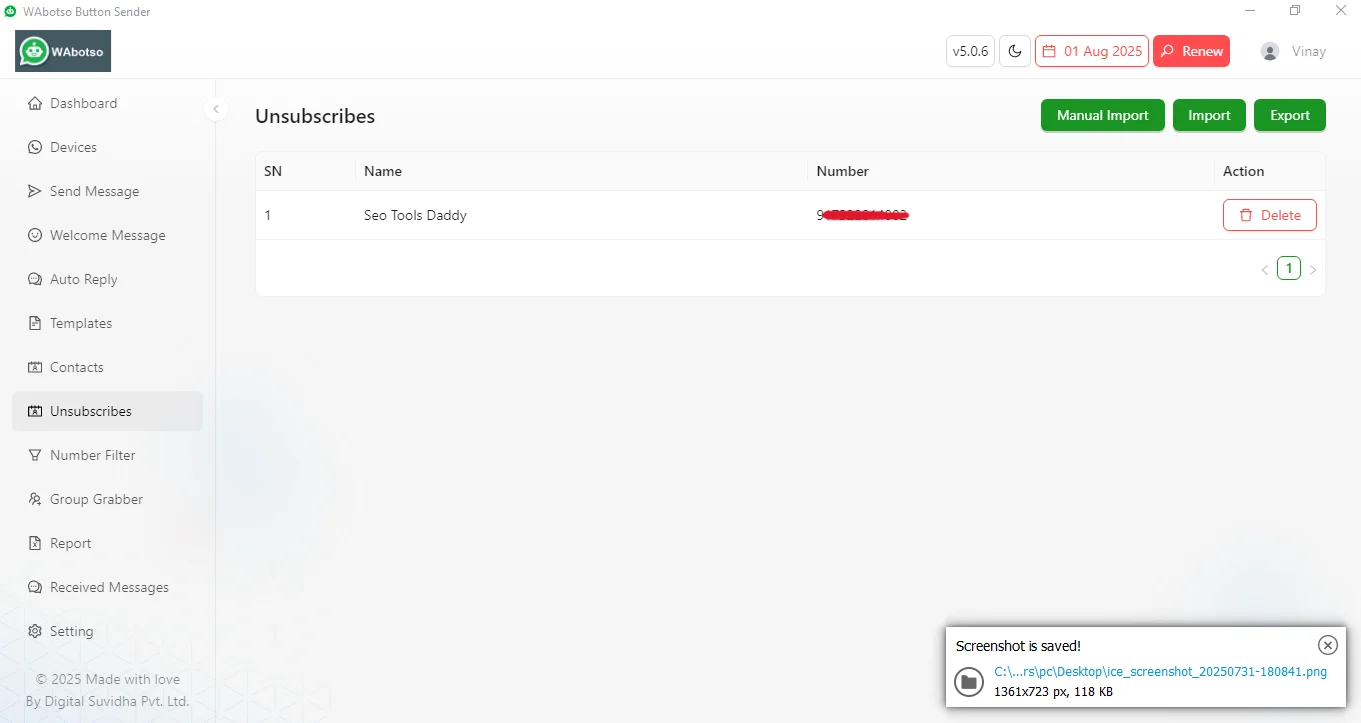
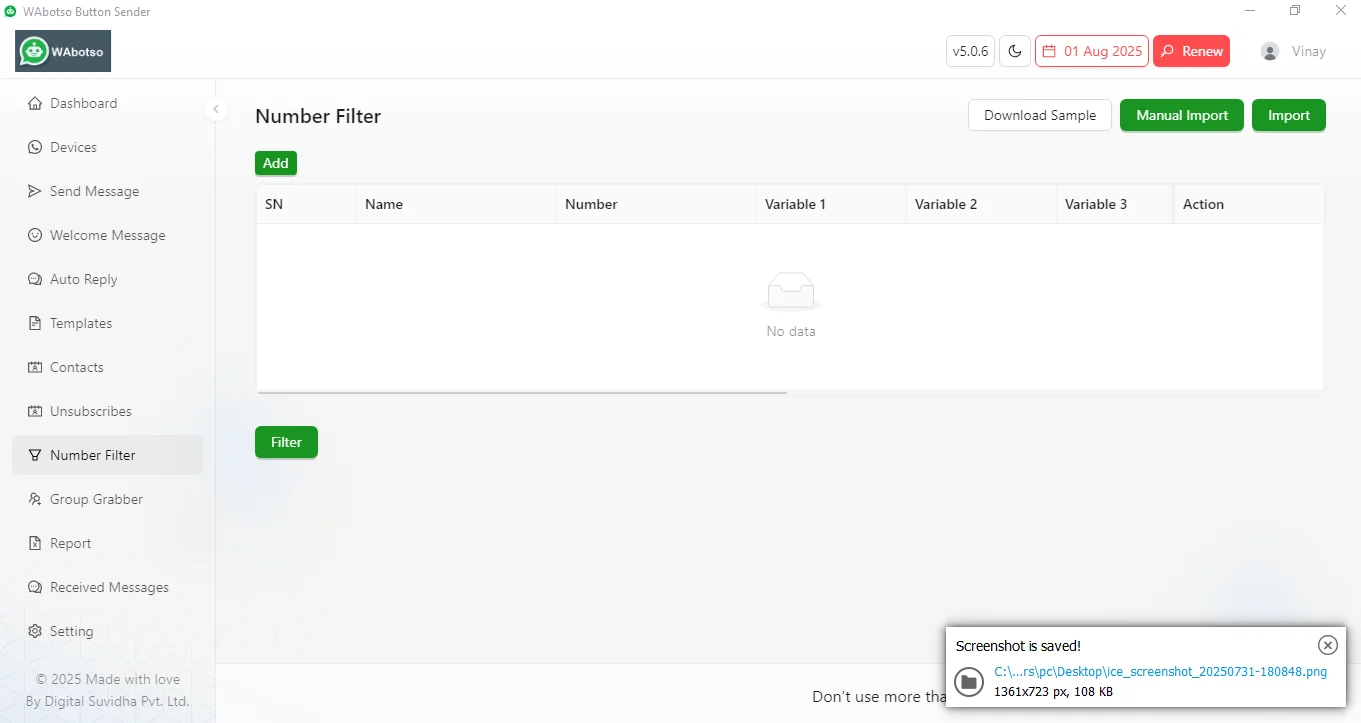
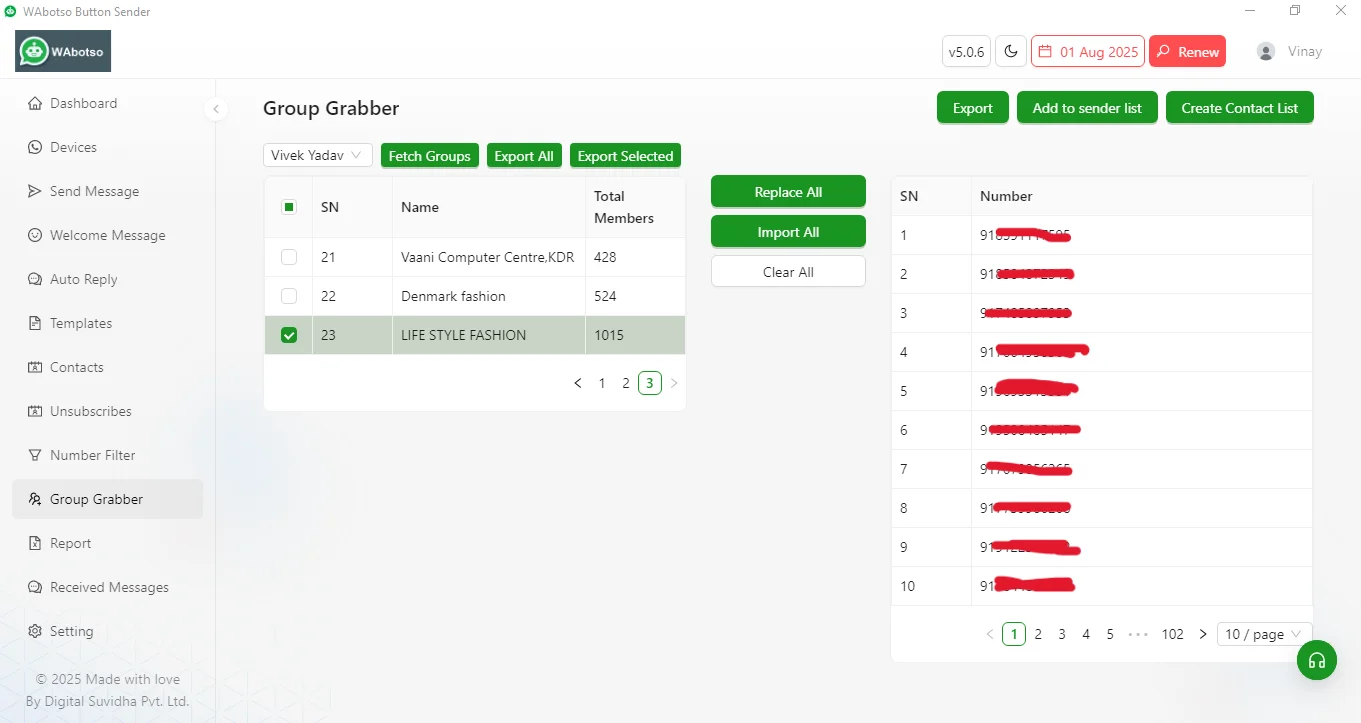
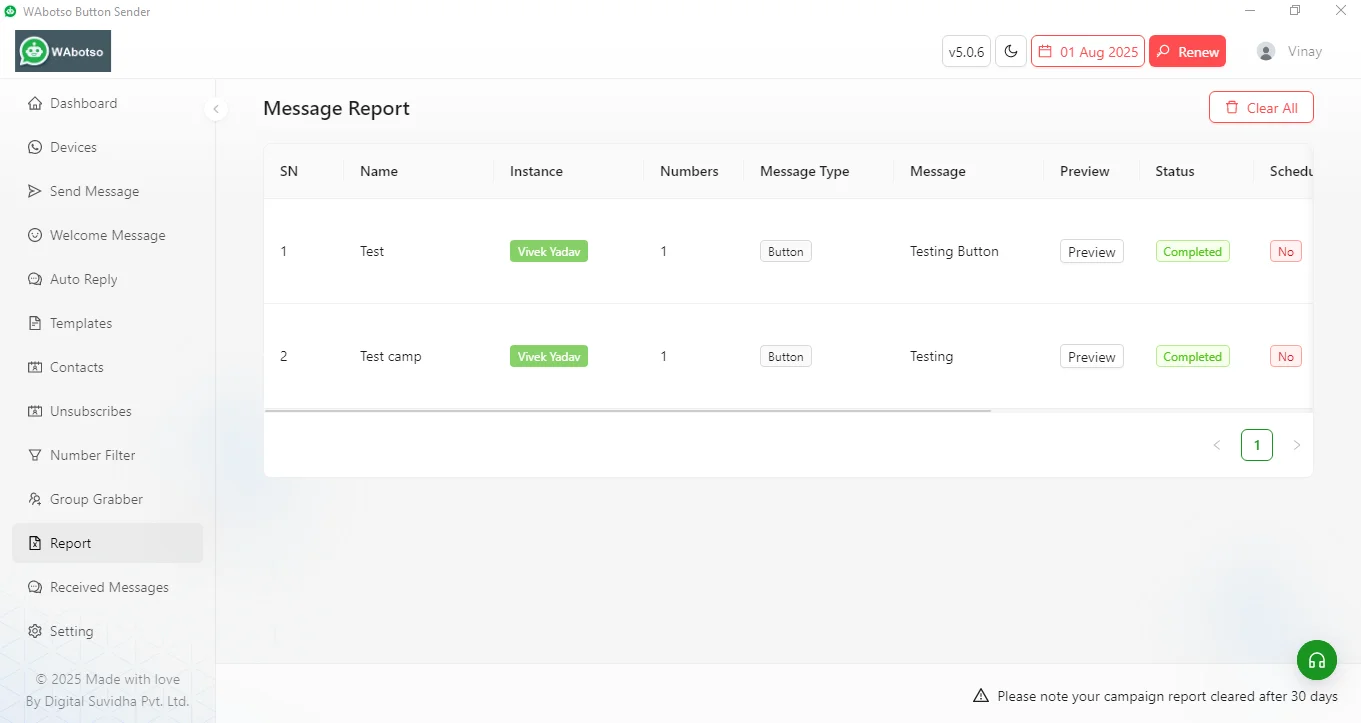
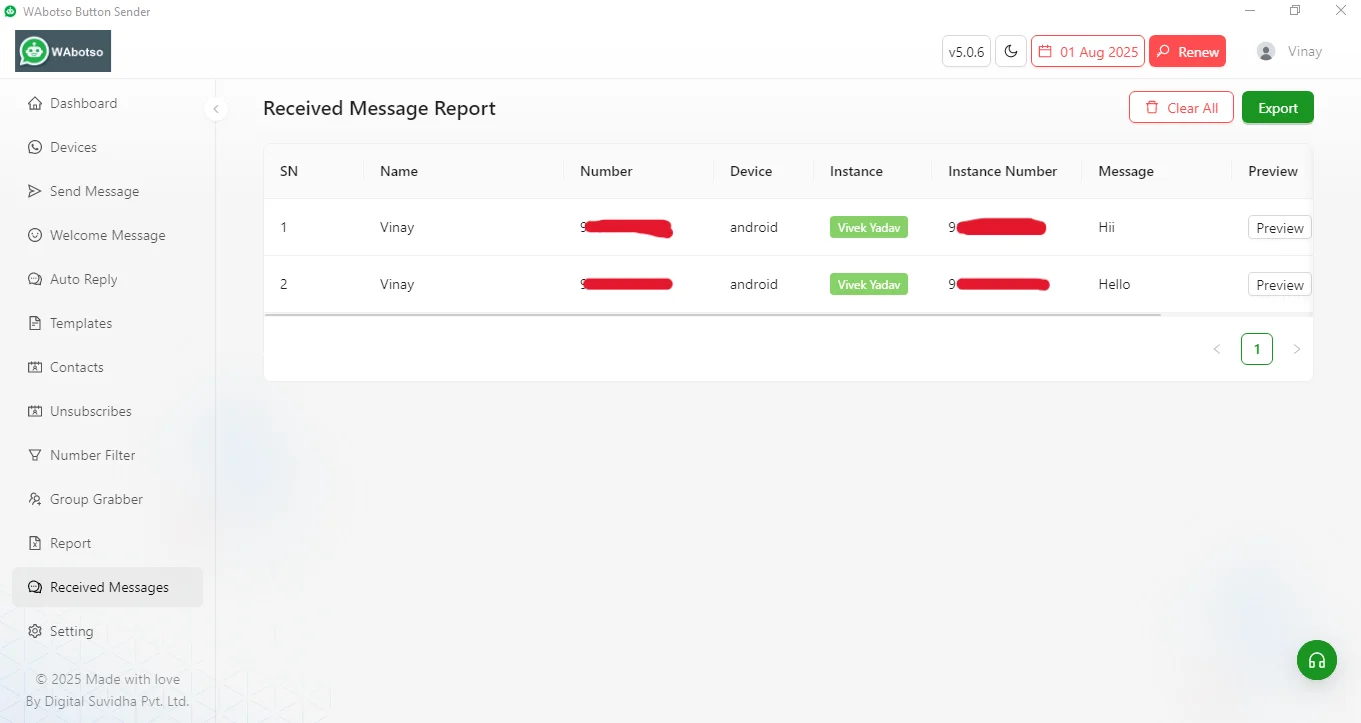
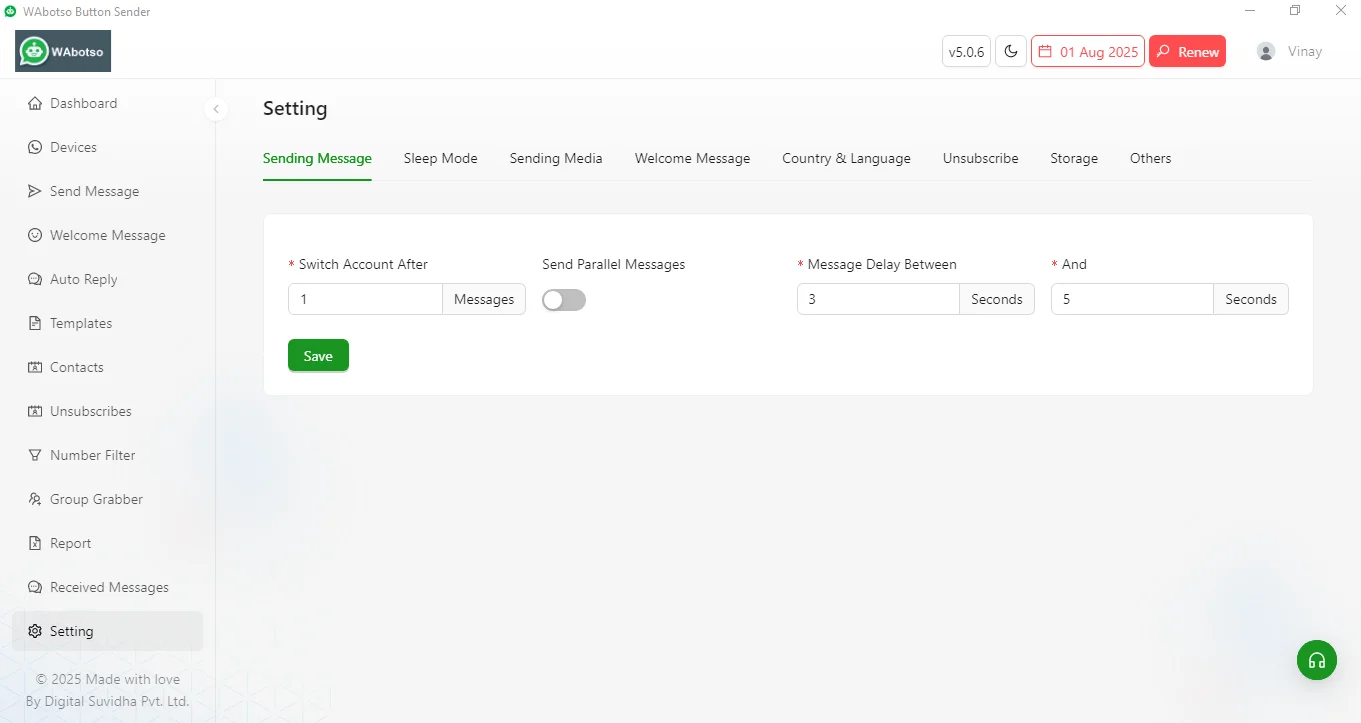
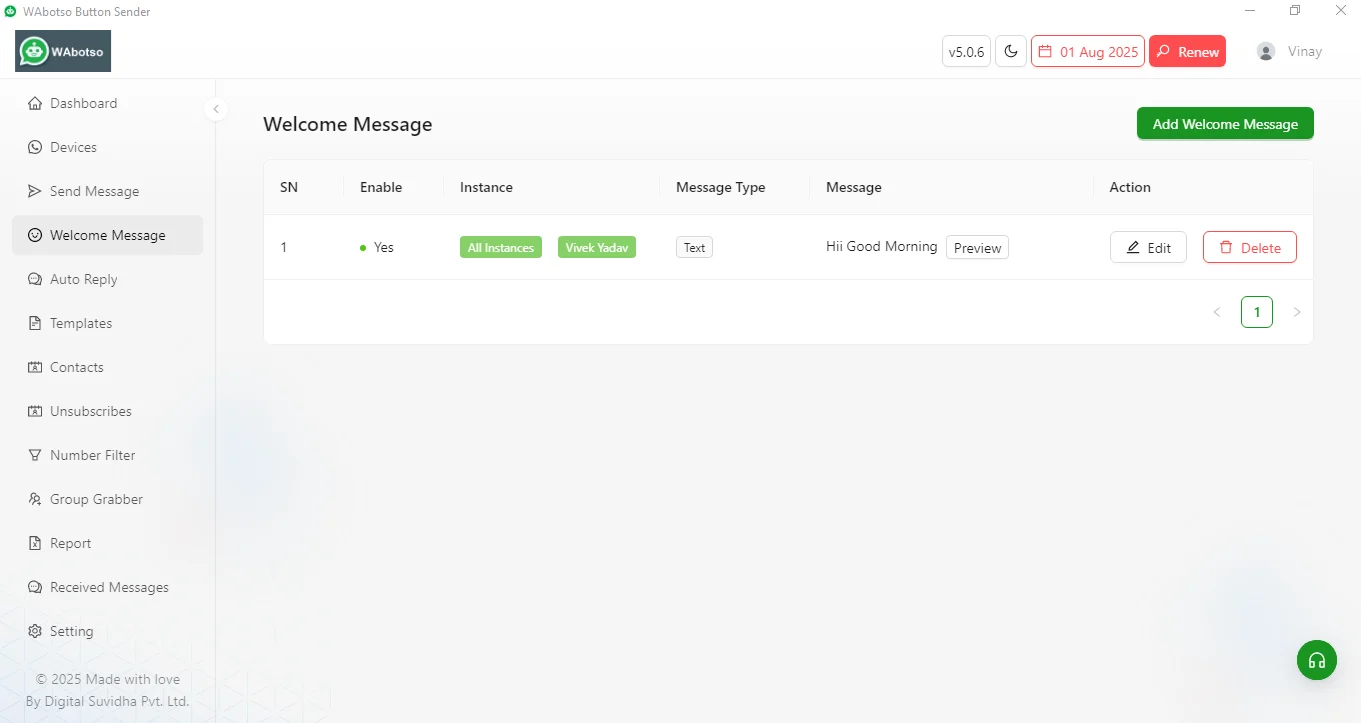
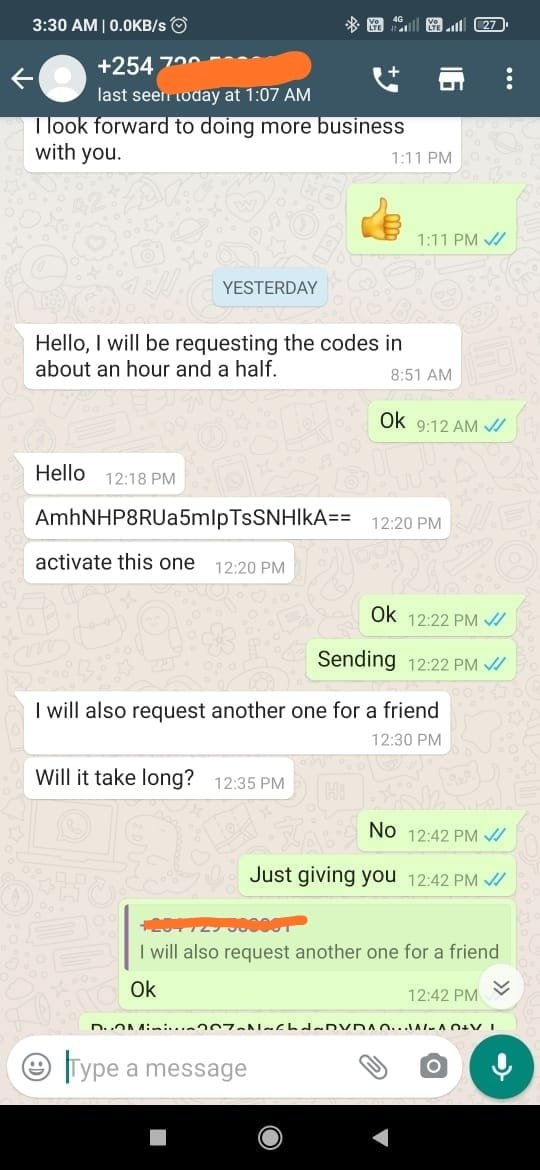
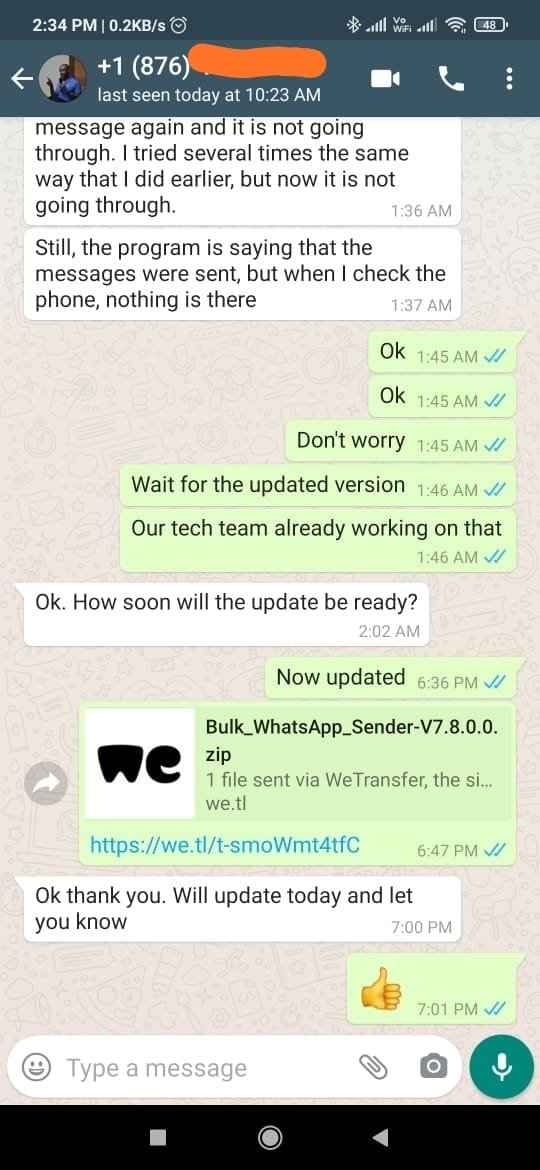
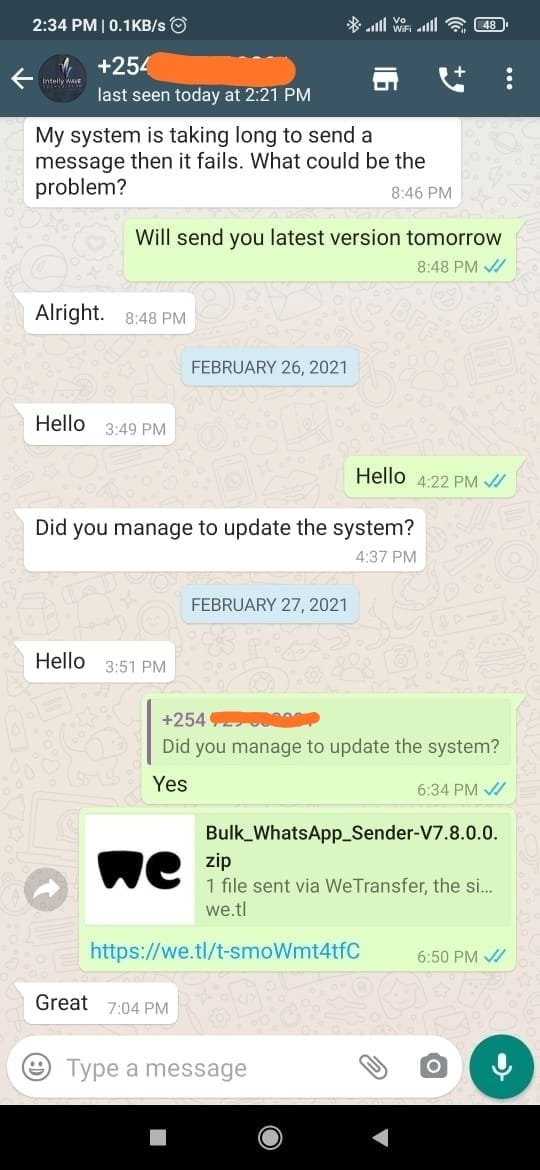
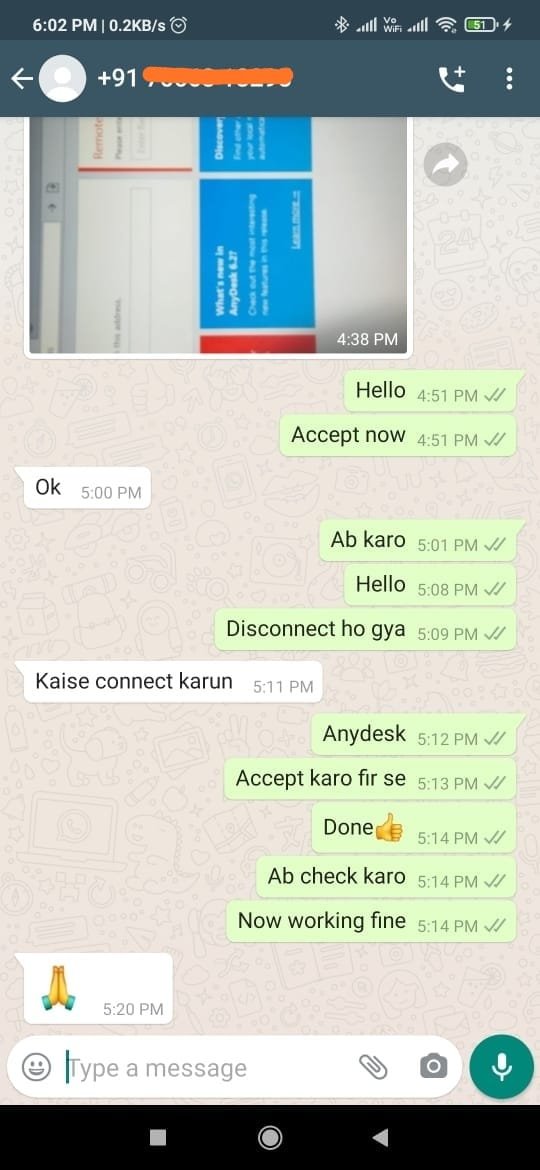
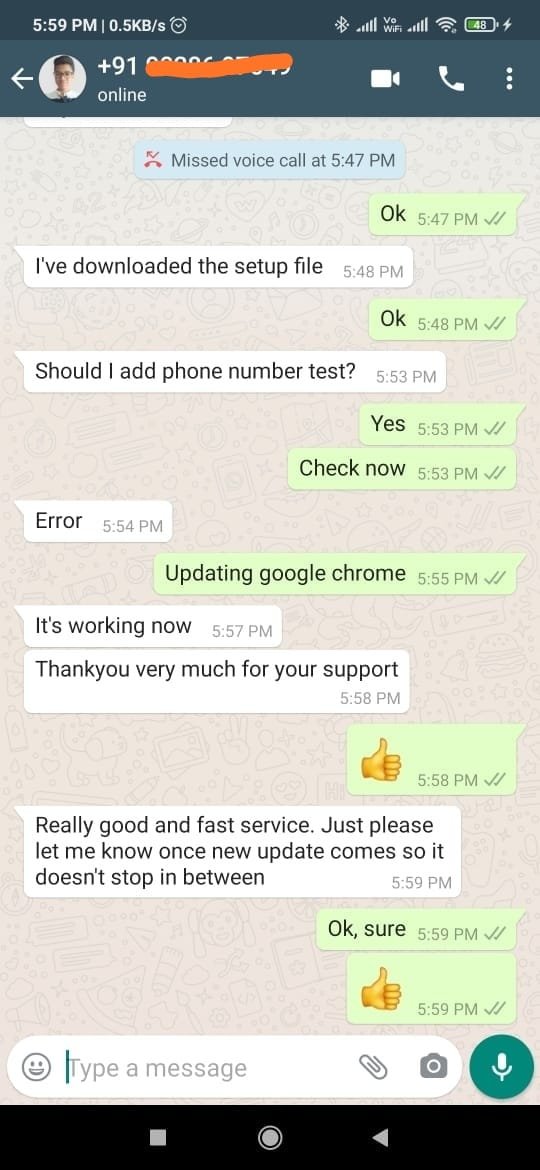
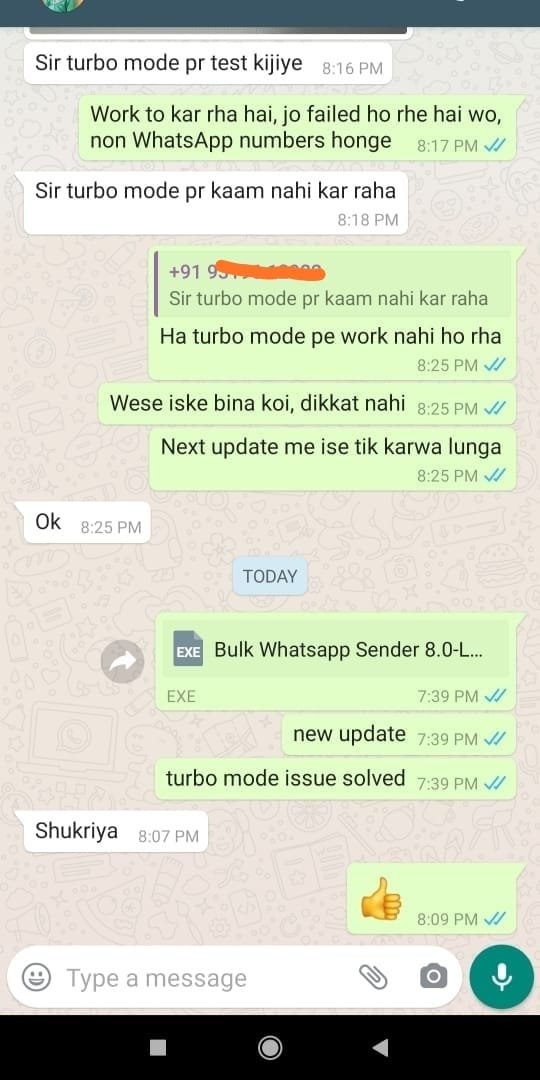
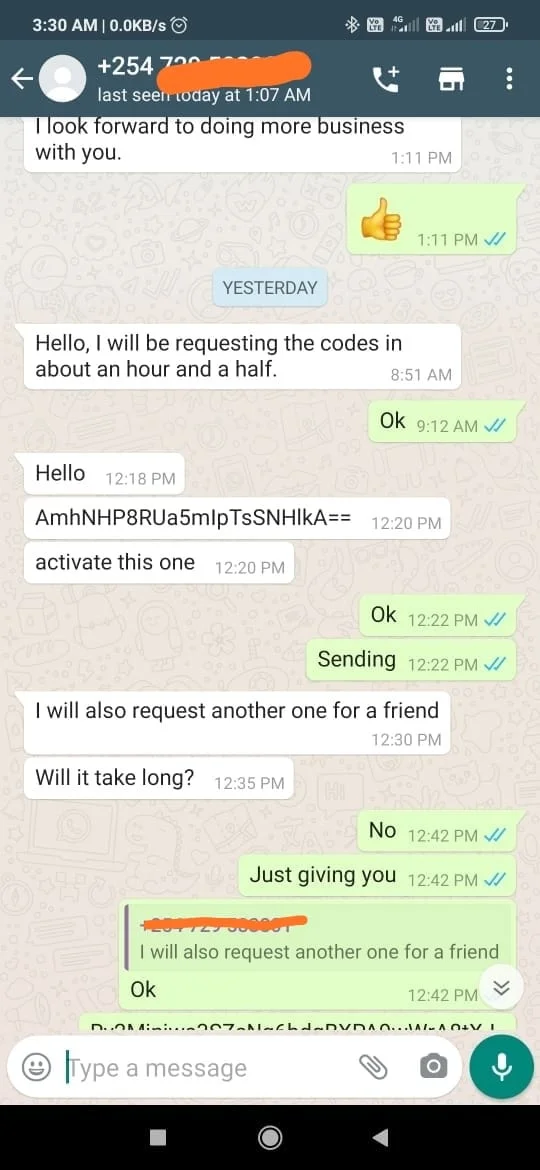
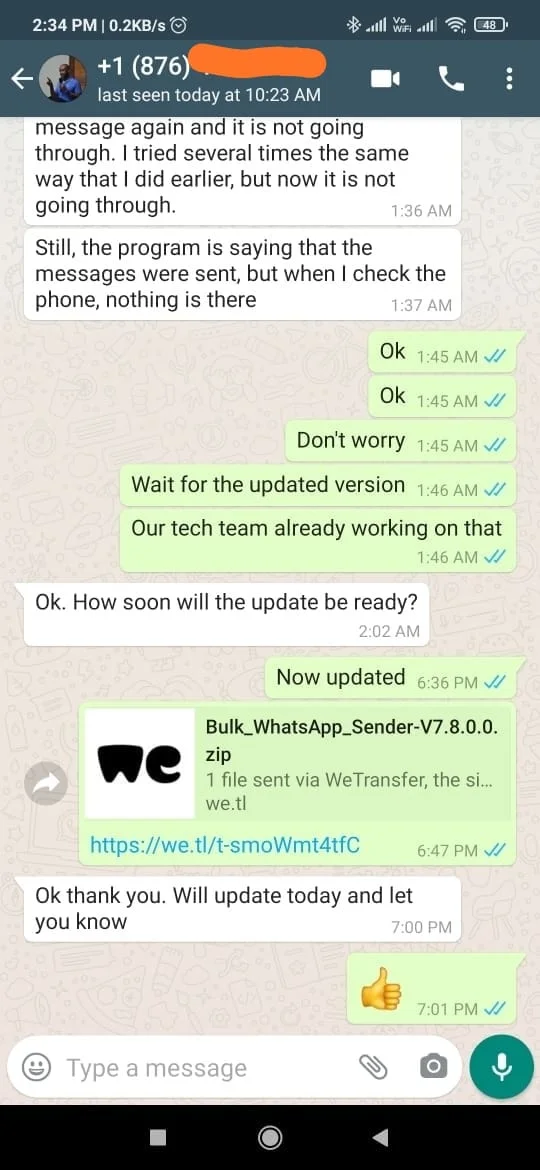
Customer Feedback
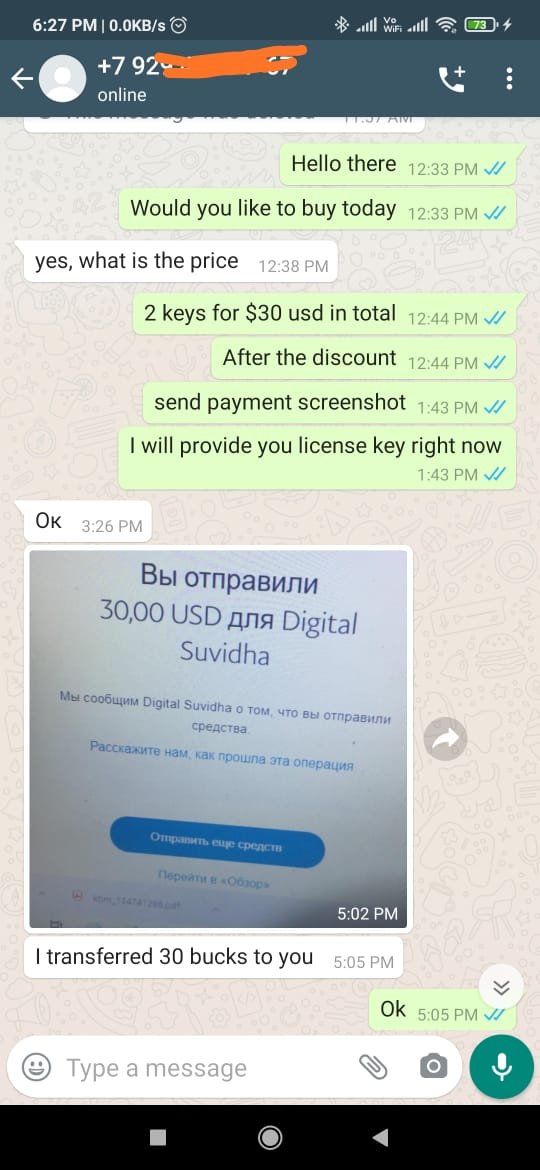
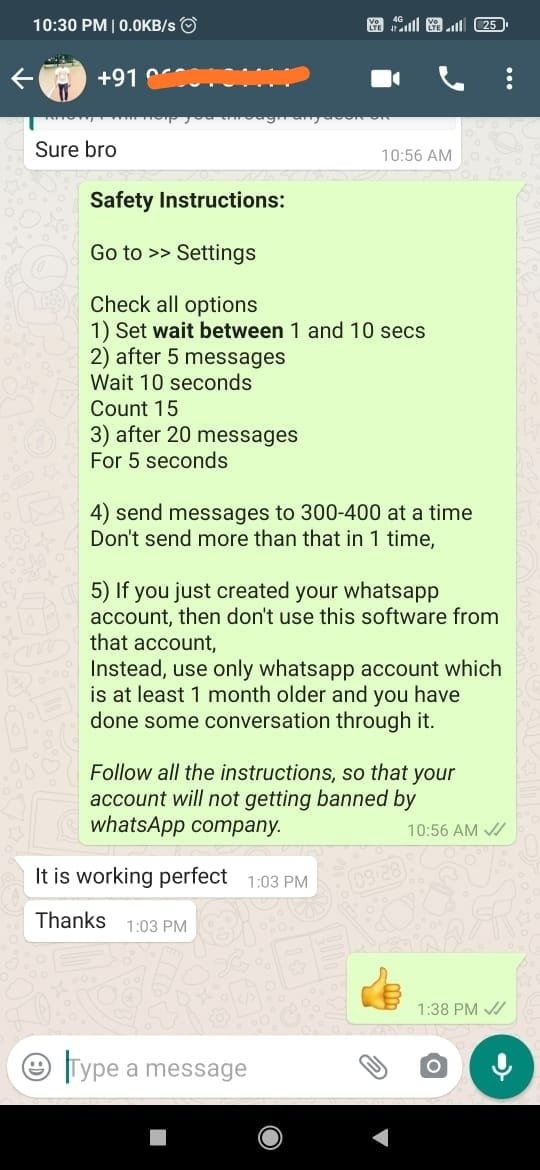
Affordable Pricing Plan
NOTE:- After the successful payment, please share your payment screenshot on this customer support WhatsApp number (+91 89360 70355).
WhatsApp Button Sender – Complete Guide to Bulk Messaging with Call to Action Buttons
In today’s digital marketing world, businesses are constantly searching for faster and more effective ways to communicate with customers. Email open rates are declining, while social media algorithms limit organic reach. This is where WhatsApp marketing becomes one of the most powerful communication channels for businesses of all sizes.
A WhatsApp Button Sender helps businesses send bulk WhatsApp messages with interactive Call to Action buttons, improving customer engagement, conversions, and response rates. Whether you run an online store, digital agency, coaching business, or local service company, using a WhatsApp bulk sender software can simplify communication and automate marketing campaigns.
This guide explains everything about WhatsApp Button Sender, how it works, its features, benefits, use cases, and why businesses are increasingly adopting WhatsApp marketing software.
What is WhatsApp Button Sender?
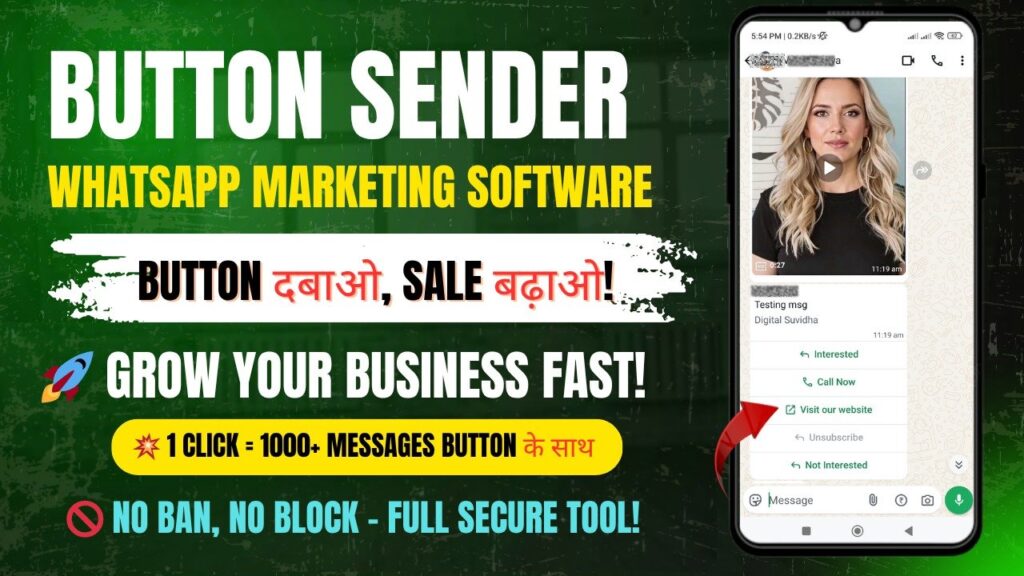
A WhatsApp Button Sender is a software tool designed to send bulk WhatsApp messages that include interactive buttons. These buttons allow users to perform actions directly from the message without typing manually.
Instead of sending plain text messages, businesses can send professional campaigns with options such as:
Visit Website
Call Now
Order Now
Contact Support
Subscribe
Learn More
This makes customer interaction faster and more convenient.
Unlike traditional messaging systems, a WhatsApp button message sender improves user experience by reducing friction. Customers simply click a button to take action instantly.
How WhatsApp Button Sender Works
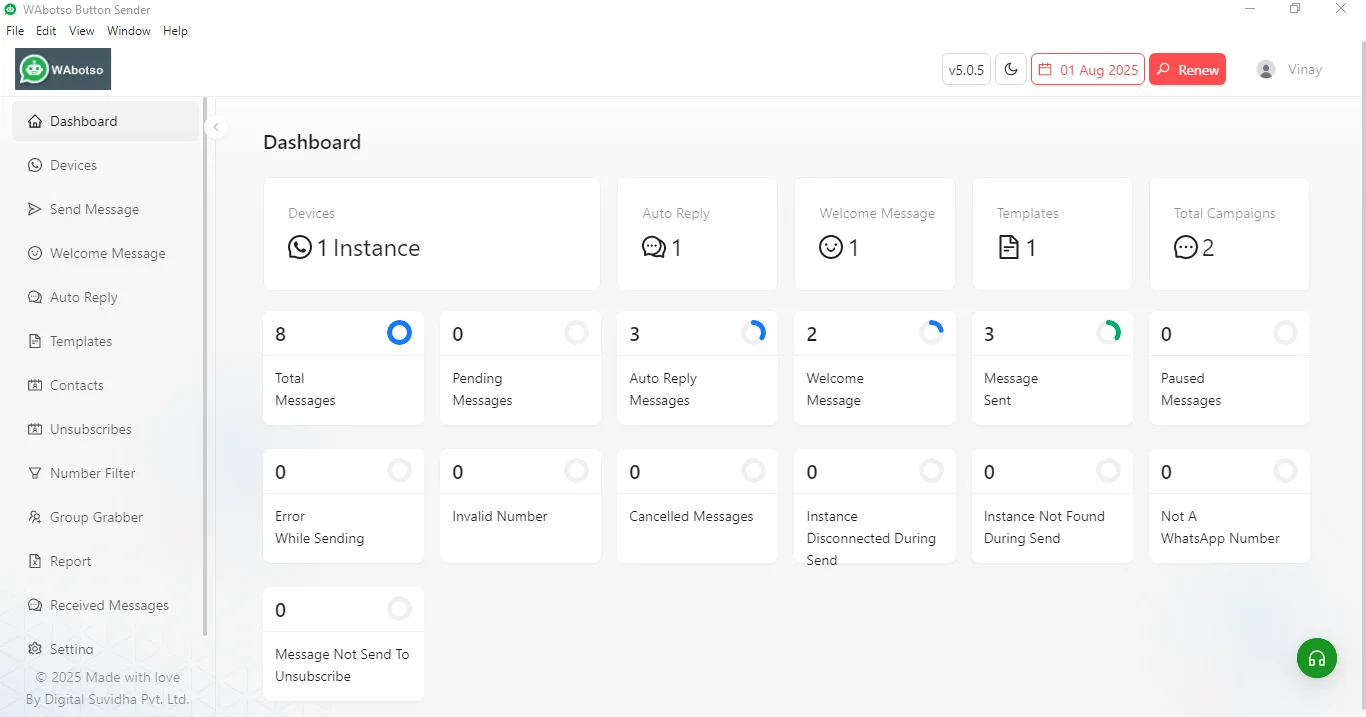
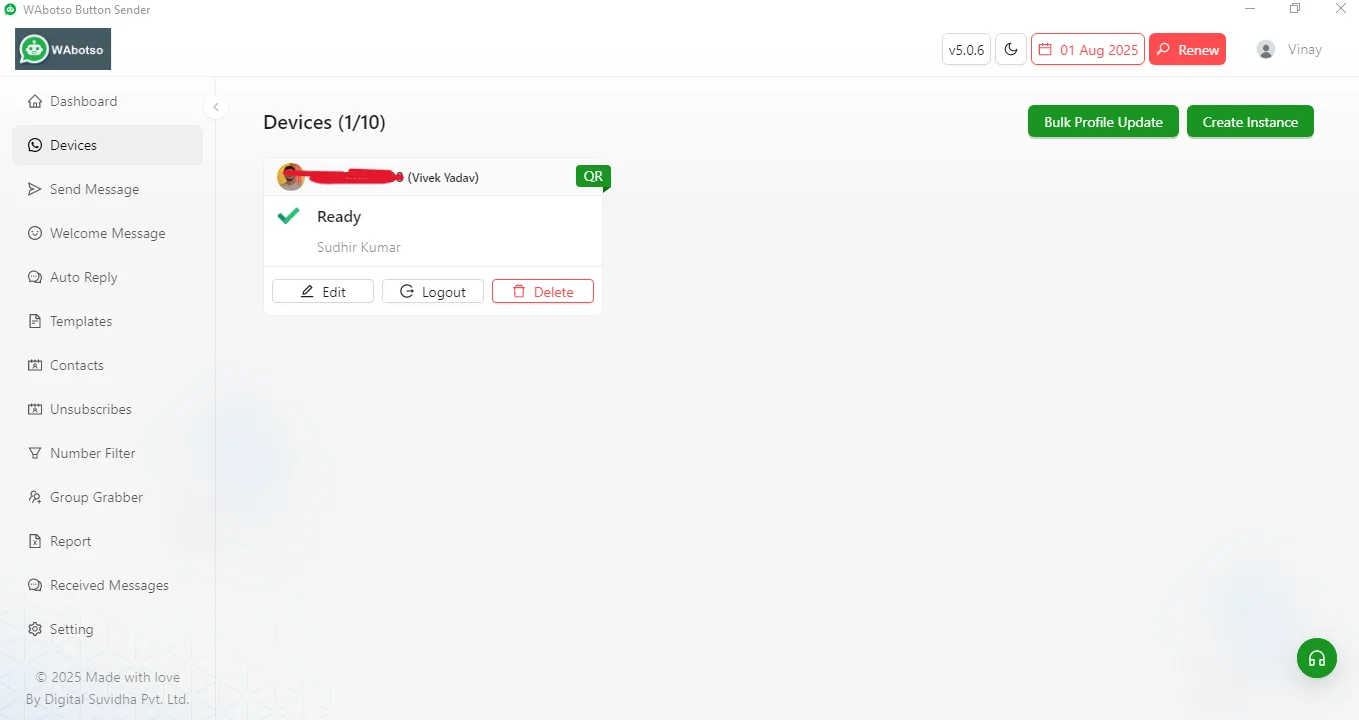
The software works by integrating with WhatsApp Web or business messaging systems. Users upload contact lists, create message templates, add Call to Action buttons, and launch campaigns directly from the software dashboard.
The general process includes:
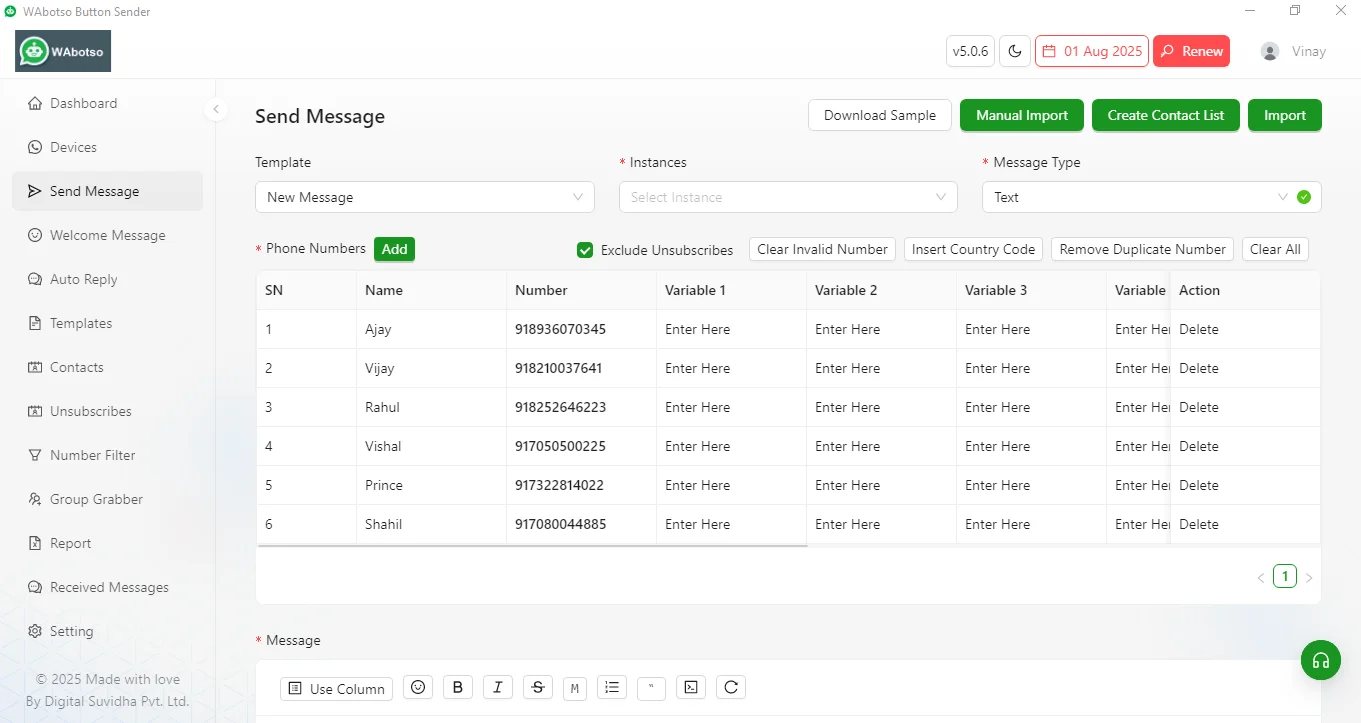
1) Upload Contact Numbers
Businesses can upload customer data through Excel or CSV files.
2) Create Personalized Messages
Messages can include customer names, order details, offers, or personalized greetings.
3) Add Call to Action Buttons
Interactive buttons are added inside the message to increase engagement and conversions.
4) Send Bulk WhatsApp Messages
The software delivers messages to multiple users simultaneously while maintaining speed and automation.
5) Track Responses
Some advanced WhatsApp marketing software also provides delivery reports, click tracking, and customer interaction data.
Key Features of WhatsApp Button Sender
A professional WhatsApp bulk sender software offers several powerful features that help businesses automate communication.
(1) Call to Action Buttons
This is the core feature of WhatsApp Button Sender. Businesses can add clickable buttons that guide users toward specific actions.
Examples include:
Buy Now
Visit Store
Download App
Chat with Agent
(2) Bulk Messaging
Send thousands of WhatsApp messages at once without manually contacting every customer.
(3) Personalized Messaging
Dynamic variables help customize each message using customer details such as:
Name
City
Product
Order ID
(4) Media Support
Businesses can send:
Images
Videos
PDF files
Catalogs
Product brochures
(5) Unsubscribe Option
A built-in unsubscribe feature helps businesses reduce spam complaints and improve customer trust.
(6) Contact Filtering
Advanced software allows filtering contacts based on active WhatsApp numbers.
(7) Fast Delivery System
Messages are delivered quickly to improve campaign efficiency.
(8) User-Friendly Interface
Most WhatsApp sender software comes with an easy dashboard suitable for beginners and professionals.
Benefits of Using WhatsApp Button Sender
Businesses across industries are adopting WhatsApp marketing because of its high engagement rate and direct communication.
1: Higher Open Rates
WhatsApp messages usually have significantly higher open rates compared to emails and SMS marketing.
2: Better Customer Engagement
Interactive buttons increase response rates because customers can take action instantly.
3: Improved Conversions
Call to Action buttons encourage users to:
Purchase products
Contact sales teams
Visit websites
Complete registrations
4: Faster Communication
Businesses can instantly send updates, reminders, offers, and notifications.
5: Cost-Effective Marketing
Compared to traditional advertising methods, WhatsApp marketing software is affordable and provides better ROI.
6: Business Automation
Automation features reduce manual work and save time for support and marketing teams.
Use Cases of WhatsApp Button Sender
WhatsApp Button Sender can be used in multiple industries.
(A) E-commerce Stores
Online stores use WhatsApp bulk sender software to:
Send order confirmations
Promote products
Share discount offers
Recover abandoned carts
(B) Educational Institutions
Coaching centers and schools use WhatsApp sender software for:
Admission updates
Fee reminders
Class notifications
Student communication
(C) Real Estate Businesses
Agents can send property details, videos, and site visit links directly to potential buyers.
(D) Healthcare Clinics
Hospitals and clinics use WhatsApp marketing for appointment reminders and patient communication.
(E) Digital Marketing Agencies
Agencies manage bulk campaigns for clients using WhatsApp marketing software.
WhatsApp Button Sender vs Traditional Marketing
Traditional marketing methods often struggle with engagement and response rates. WhatsApp marketing provides a more direct and personal communication channel.
| Feature | Traditional Marketing | WhatsApp Button Sender |
|---|---|---|
| Customer Engagement | Low | High |
| Open Rate | Moderate | Very High |
| Personalization | Limited | Advanced |
| Automation | Basic | Powerful |
| Response Speed | Slow | Instant |
| Interactive Features | Limited | Call to Action Buttons |
This comparison clearly shows why businesses are shifting toward WhatsApp automation tools.
Important Tips for Using WhatsApp Bulk Sender Software
To achieve better results and avoid account issues, businesses should follow proper messaging practices.
Send Relevant Messages
Always send useful and relevant content to customers.
Avoid Excessive Messaging
Sending too many messages in a short time may affect account safety.
Use Opt-In Contacts
Only message users who have agreed to receive updates.
Include Unsubscribe Option
Giving users the option to stop messages improves trust and compliance.
Personalize Campaigns
Personalized messages perform much better than generic broadcasts.
Choosing the Best WhatsApp Button Sender
When selecting a WhatsApp marketing software, businesses should look for:
Easy-to-use interface
Fast message delivery
Button support
Contact filtering
Media sharing
Automation features
Unsubscribe system
Reliable customer support
A good software solution should balance performance, safety, and marketing efficiency.
Future of WhatsApp Marketing
WhatsApp continues to grow as one of the world’s most widely used messaging platforms. Businesses are increasingly investing in WhatsApp automation and bulk messaging tools to improve communication and customer engagement.
Features like AI chatbots, smart automation, interactive buttons, and CRM integrations are shaping the future of WhatsApp marketing.
As digital competition increases, businesses that adopt modern communication tools like WhatsApp Button Sender will have a stronger advantage in customer interaction and lead generation.
Conclusion
WhatsApp Button Sender is a powerful solution for businesses looking to improve customer communication through bulk messaging and interactive Call to Action buttons. It combines automation, personalization, and fast delivery to create highly effective marketing campaigns.
Whether you want to promote products, generate leads, provide support, or increase conversions, a professional WhatsApp bulk sender software can help streamline your marketing strategy.
By using smart messaging practices, personalized communication, and interactive buttons, businesses can build stronger customer relationships and achieve better marketing results through WhatsApp.
Meta Description
WhatsApp Button Sender is a powerful WhatsApp bulk sender software with Call to Action buttons, personalized messaging, fast delivery, unsubscribe option, and advanced automation features for businesses and marketers.
Frequently Asked Questions (FAQs)
What is WhatsApp Button Sender?
WhatsApp Button Sender is a powerful WhatsApp bulk sender software with call-to-action buttons, unsubscribe option, fast delivery, and smart messaging features for businesses and marketers.
Is WhatsApp Button Sender safe to use?
Yes, it is 100% safe. The software works using WhatsApp Web login, so no personal data or credentials are stored. It doesn't require rooting or jailbreaking your device.
Can my WhatsApp number get banned while using this tool?
WA Message Sender includes anti-ban features like call to action button with unsubscribe option, message delays, spin text, and randomization to reduce the chances of getting flagged. However, using it responsibly and avoiding spam-like behavior is important.
Do I need a WhatsApp Business account to use it?
No, you can use both personal and business WhatsApp accounts. The software connects through WhatsApp Web and does not require Business API access.
How many messages can I send per day?
You can send from 1,000 to unlimited messages per day. It totally depends on your account's engagement.
Can I schedule messages in advance?
Yes. WA Message Sender comes with a built-in scheduler so you can plan your campaigns to be sent at specific dates and times.
Does it support regional languages like Hindi or Gujarati?
Absolutely. WA Message Sender supports all Unicode languages including Hindi, Gujarati, Marathi, Tamil, and more.
Can I send messages with buttons and media files like images, PDFs, or videos?
Yes. You can send call to action button with messages and multimedia content such as images, documents, videos etc.
Can I import contacts from Excel or CSV files?
Yes. Simply upload your contact list in Excel or CSV format, and the software will automatically fetch and prepare the numbers for sending.

